
Key Highlights
OpenAI’s new memory feature for ChatGP has launched, enabling the artificial intelligence to retain information across all conversations.
This persistent AI memory creates a continuous context, transforming how users interact with the AI assistant.
For voice AI applications, this means reducing customer friction by eliminating the need to repeat information in a new conversation.
The system allows users to manage, delete, or completely turn off the memory feature, providing essential data privacy controls.
This update moves ChatGPT beyond single-session interactions, paving the way for a more collaborative and personalized AI partner.
The memory feature is a significant step toward improving first-call resolution and streamlining customer support workflows.
Introduction
OpenAI has made a big change to ChatGPT by adding a memory feature. This is not just a small update. It can change a lot about how people use artificial intelligence. The idea of a smarter AI sounds good, but it is important to look closely at how it will really work, especially in things like voice AI for customer support. This is more than just making things easy. It can change how your business and your customers connect with each other through artificial intelligence. So, it is important to know both the good things and the risks that come with this memory feature in ChatGPT.
Overview of OpenAI’s New Memory Feature for Voice AI
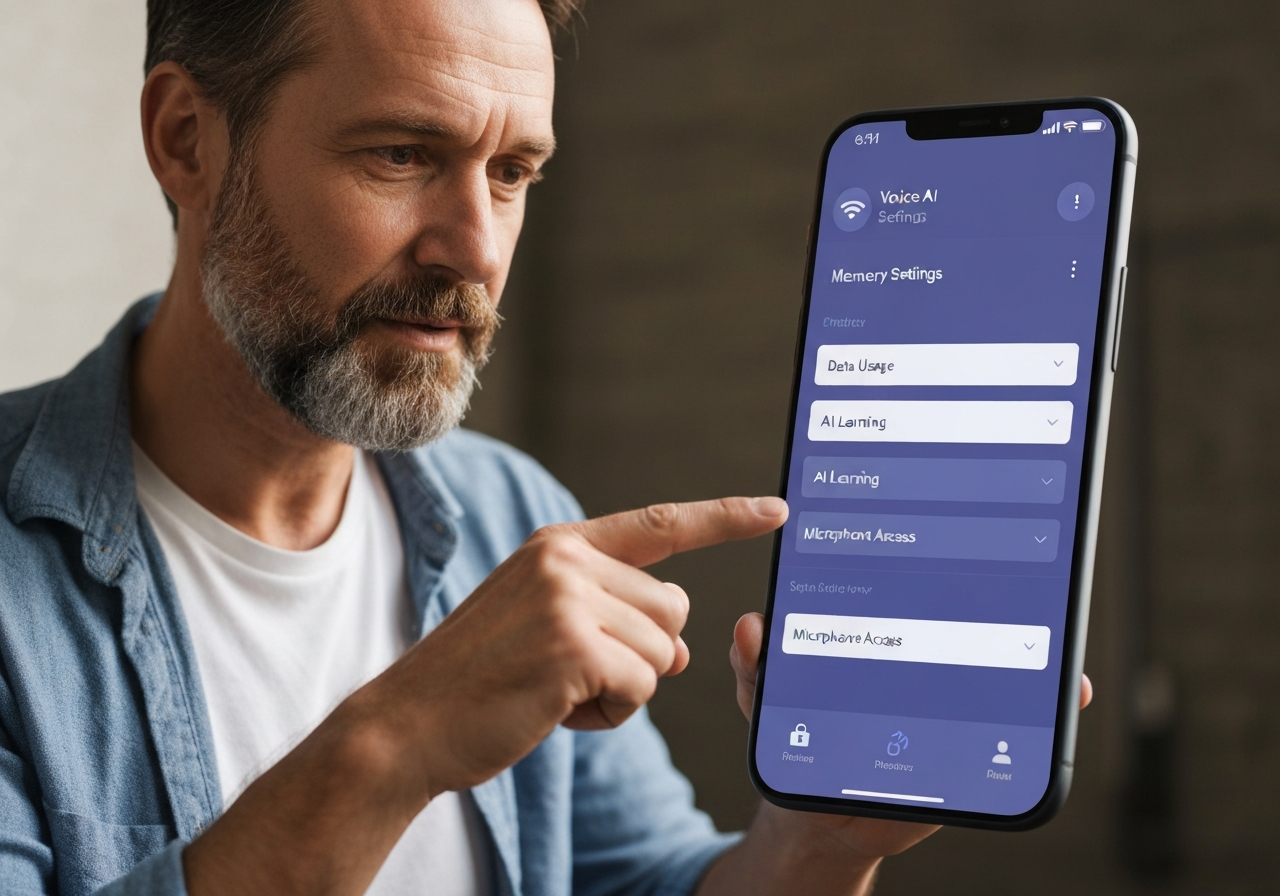 OpenAI’s new memory feature in ChatGPT helps the ai assistant remember you better. It holds on to specific details from your chats. The old version would start each new conversation like it was talking with you for the first time. The new memory feature changes that. Now, it keeps a record that lets ChatGPT use what it learned before to help you more in new conversations. This makes chats feel smooth and helps the ai give better answers. The memory can come from details you tell it to save and from what it figures out on its own as you work with it.
For people who use voice ai or chatbots in customer service, this is a big update. When the ai remembers what happened before, you don’t have to answer the same questions every time. It can help you faster and give more useful answers. If you are a ChatGPT Plus subscriber, you can choose if you want to use this new memory feature. You get to decide how the ai keeps your data. OpenAI made this to give you a good mix of useful answers and privacy, which is very important for any company.
How Persistent Memory Works in ChatGPT
ChatGPT’s memory works by building a new base of knowledge from your previous interactions. It is not only about keeping facts. The ai assistant picks what should be remembered and leaves out the rest. The ai memory uses two kinds of ways to remember information. Some details you tell it to save, and other details it picks up on its own as you talk.
When you start a new conversation, the system reads your question and pulls the needed context from its memory. That helps it give relevant responses that fit your user preferences and history. For example, you may ask about a project from a few weeks ago. The ai assistant can use ai memory to pull up the specific details, so you do not have to start from the top.
This way of working helps turn the ai from just a search tool into your partner. It learns your long-term goals. If you work on lots of marketing tasks, the system will learn your brand style and main audience. This makes your work quicker and smoother with each interaction. Working with chatgpt’s memory gives a smarter way to get things done.
Differences Between Previous and Open AI’s New Memory Feature
The leap from the old memory function to the new one is significant. Previously, ChatGPT’s memory was temporary and required explicit commands within a single session. It was a useful but limited tool that couldn’t build long-term context across different chats. You had to constantly re-establish project details or user preferences, which created friction.
The new memory feature, however, creates a persistent and comprehensive memory that spans your entire interaction history. The AI now intelligently decides what to remember based on relevance and frequency, making it a far more powerful tool. You can manage what it keeps, giving you control over your data security. This shift makes the AI feel less like a tool you have to re-train every time and more like a true assistant.
Feature | Previous Memory Capability | New Memory Capability |
|---|---|---|
Context Scope | Limited to a single, active conversation. | Spans all past and future conversations. |
Memory Type | Required explicit “remember this” commands. | Combines explicit commands and organically learned insights. |
User Control | No option to manage or view stored memories. | Users can view, delete, and turn memory off completely. |
Personalization | Minimal; context was lost after the chat ended. | Deeply personalized based on comprehensive interaction history. |
Transforming Customer Experience in Voice AI Calls
 The start of a lasting AI memory is about to change how people feel when they use voice AI calls. There will no longer be a need for customers to say the same problem over and over again to many agents or chatbots. With an AI assistant that can remember what happened before, your support can finally give the smooth and smart help people want. It’s not just that workflows get better; this also cuts down on the friction people feel and helps build trust.
This kind of tool lets your voice AI do more than just handle basic talks. It starts to offer user experiences that really fit the person talking. The next parts will show how AI memory can handle two top problems in customer service. These are questions that get asked again and again, and the wish for fixing things on the first call.
Reducing Friction and Repetition on Calls
One of the most annoying things about calling customer service is having to tell your story again and again. There is an answer for this with ai memory in your voice ai system. The AI can keep track of details from previous interactions. That means it knows who you are and why you might call. This cuts down the friction and lets the conversation go right to the point.
Let’s say a customer calls in about a technical problem that is still not fixed. With ai memory, the voice AI can get all the info fast. The customer doesn’t have to go over the whole story. This makes the process smoother and gives people a much better experience. Here’s how it works:
The AI remembers the customer’s account details and issue history.
It brings up what solutions have been tried already, so it will not repeat them.
It knows how the customer likes to talk from previous calls.
But, how well this works depends on the data the AI keeps. if it gets any of those previous interactions wrong, it could cause new problems. This is why strong oversight is so important with ai memory.
Boosting First-Call Resolution and Personalization
First-call resolution (FCR) is an important way to see how well a contact center works. When an artificial intelligence system keeps a full memory of the customer’s history, it is much better at fixing problems right away. The AI assistant can use all the information from previous interactions. This helps it get the full picture of the problem and give more relevant responses. Customers get answers faster, which leads to better user experiences.
This also means the chatbot can make things more personal for each customer. With voice AI, you get replies that fit your user preferences, past purchases, or complaints. The support you get is not just from a script, but made for you. For instance, the chatbot may remember that you had a good time with a past product and suggest a similar one.
Still, this system is not perfect. If the artificial intelligence only uses old data, it might not notice new needs or changes. So, the AI needs to use past information but also stay open to what is going on right now. This mix helps create good user experiences.
Managing ChatGPT Memory Settings: Privacy, Data Control, and User Options
Having a strong ai memory means there is also a big need to protect your privacy and data. If you own a business that keeps customer information, letting an AI hold on to these memories is a big decision. Seeing this, openai has made it easy in chatgpt for you to choose how your data is used. You get to decide what happens with your information. This is a must-have basic protection, not just a cool extra.
It’s important to know how to handle these options if you want people to trust you, and you want to follow the rules. You control what the ai memory keeps, what it lets go of, or if it should store anything at all. In the next part, you will see step by step how to handle, erase, or adjust the chatgpt memory so it works for your privacy and safety.
Controlling, Deleting, and Customizing AI Memory
OpenAI wants you to be in control of your data. It does this by making the memory feature something you can choose to use if you are a ChatGPT Plus subscriber. You get a lot of user options to decide what the AI gets to keep. If you do not want ChatGPT to remember things from your talks, just use the “Temporary Chat” feature. This is like using an incognito mode for your chats.
You can also stay in control of what ChatGPT remembers. This is very important to business users who need to keep client details safe and protect data that should be private. Here are the main ways you can control your data:
Turning Memory On or Off: You can switch the memory feature on or off any time in your settings.
Deleting Specific Memories: You can look at what ChatGPT has saved about you and remove specific memories one at a time.
These controls are good, but it is key that they are simple to use and make clear what gets stored. Businesses need to trust that when they delete a memory, it is gone from how the model learns. Right now, the memory feature is only for ChatGPT Plus subscribers. There are plans to make it available in other versions soon.
Conclusion
To sum up, OpenAI’s new memory feature is a big step for better conversations with Voice AI. By having this memory work all the time, it can cut down on repeating the same things during calls and give customers a more personal feel. The chance to fix problems on the first call and make talks go smoother is not just a nice thing to have. It is something that contact centers need if they want to make the customer experience better. When you look at using this memory feature in your setup, keep in mind that the way you control the memory settings will be very important for privacy and control over data. If you want to learn more about how this new memory feature from OpenAI can help your business, get in touch with us today.